
Donec efficitur, ligula ut lacinia
viverra, lorem lacus.
Donec efficitur, ligula ut lacinia
viverra, lorem lacus.
You don’t need a studio. You need about $50 in materials, one decent light source, and an understanding of why bad product photos kill conversion rates before a single person reads the description.
Research from various ecommerce platforms consistently shows the same thing: product images are the first decision-making filter, and blur, color casts, or visible shadows on white backgrounds send buyers to a competitor before the price even registers. A camera upgrade won’t fix a bad setup. Understanding the setup will — and most of what you need is available at a hardware store and a craft supply store.
On Amazon, the main product image has one job: get the click. Everything else — description, reviews, Q&A — comes after that. The image that gets the click is almost always the cleanest, sharpest, most accurately lit white-background shot in the search results.
That’s not an aesthetic preference. It’s a platform requirement on most major ecommerce channels, and it’s become a buyer expectation. A product shot on a kitchen counter with mixed lighting signals that the seller doesn’t take the product seriously — even if the product itself is excellent.
The good news is that “clean, sharp, accurate” is achievable on a very limited budget. The inputs that matter most are not expensive: controlled light, a proper white background, and a camera that can hold still while it fires. Everything else is refinement.
Here’s the actual list:
Total: $30–55 depending on what you already own.
The setup is straightforward. Lamp to the left of the product (or right — pick one and stay consistent across your shoot), angled slightly downward and forward at roughly 45 degrees. Second foam board leaning to the right of the product, facing the lamp — this reflects some light back into the shadow side. Camera directly in front, level with or slightly above the product.
This is a functional one-light-plus-reflector setup. It’s not complicated because it doesn’t need to be. Complications come later when the product itself demands them.
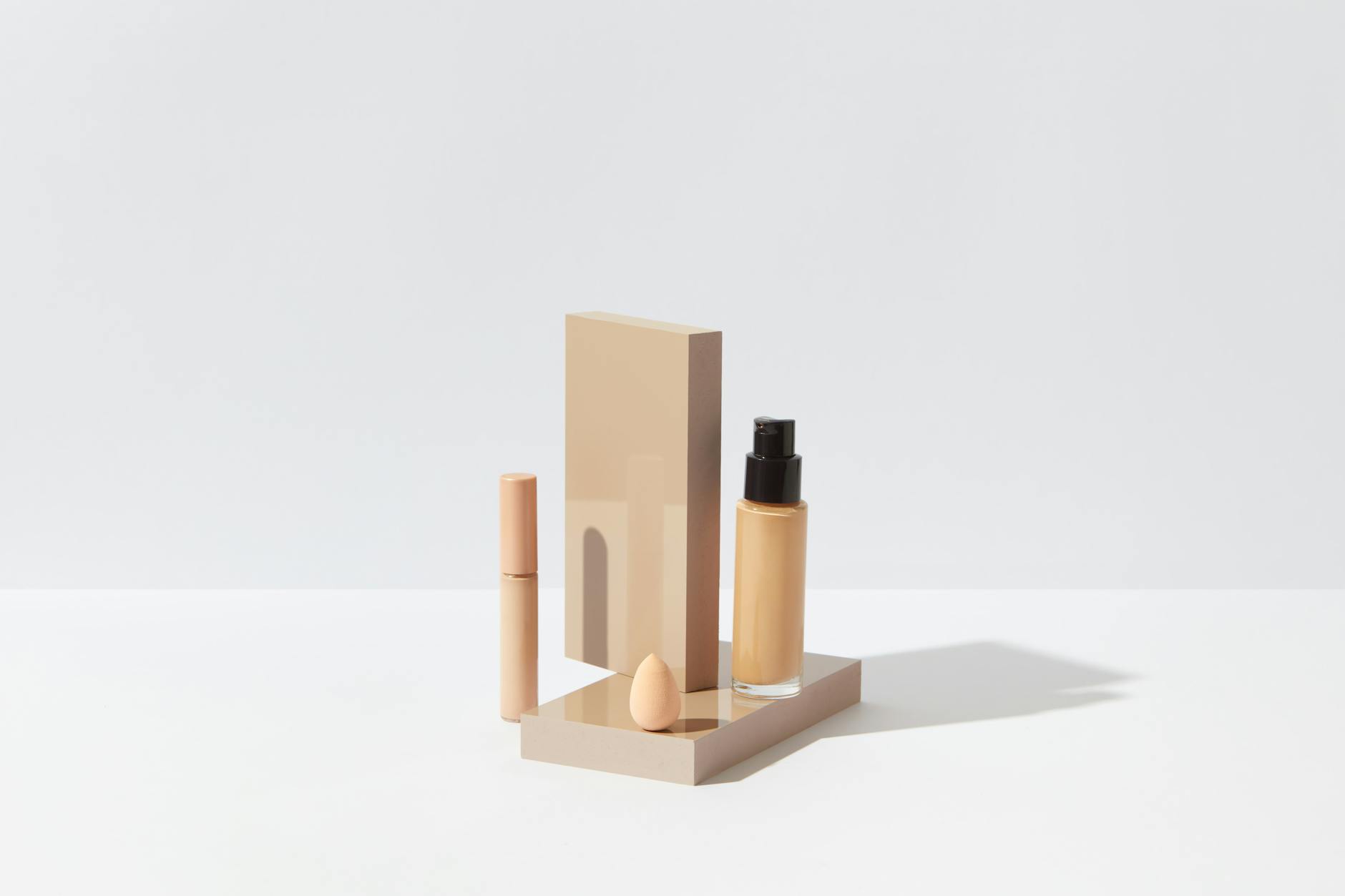
The white background is non-negotiable for Amazon’s main product image and for most Shopify storefronts. Amazon requires pure #FFFFFF — not near-white, not light grey, but technically pure white — and their algorithm flags listings where the background reads as off-white. Getting this wrong means a listing that underperforms regardless of how good the product is.
Two ways to achieve it:
DIY foam board sweep. What’s described above. The key is curve — the background should curve rather than corner where horizontal meets vertical. A sharp corner creates a visible line in the frame. The curve eliminates it. Tape the two pieces loosely enough that the corner flexes into a smooth bend rather than a crease.
Paper roll sweep. The professional option is a roll of white seamless paper — Savage Universal, Fovitec, or similar, available in 53-inch width for $20–35. You clip it to a stand or tape it to a wall and let it drape down onto your surface. More durable than foam board, better for larger products or for shooting full clothing flat lays, and gives a cleaner edge at the base of the product. Worth it once you’re shooting more than 15–20 products.
The one technical problem with white backgrounds: they require the background itself to be well-lit, not just the product. A correctly exposed product against a poorly lit white background will render as grey. The solution is to either use a second light source pointed at the background (adding about 1–1.5 stops more light to the background than the product receives), or to shoot near a window and let ambient fill light the background naturally. Shooting your product on foam board in a bright room with good ambient — even without a dedicated lamp — often gets you closer to true white than one harsh directional lamp in a dark corner.
One light + reflector. The setup described above. Creates one lit side and one shadow side. The reflector controls how deep that shadow falls — push it closer to the product for a fill that nearly matches the key side, move it back for a more dramatic, contrasty look. This setup is fine for most products. Many commercial product photographers use it as their standard.
Two lights (key + fill). Add a second lamp on the opposite side of the product, typically 1/3 to 1/2 the power of the key light. This largely eliminates shadow on the fill side and produces an evenly lit, shadowless look — the standard for clean white background ecommerce. Both lights should be diffused. Two bare desk lamps produce two sets of sharp, conflicting shadows that make the product look cluttered.
Three lights (key + fill + rim/kicker). The third light goes behind the product and to one side, aimed back at the camera from behind the product — not directly into the lens, but at a 45-degree angle across the product’s rear surface. It creates a bright edge on the back of the product that separates it from the background and adds depth. Particularly useful for cylindrical products (bottles, cans, tubes) where the middle tones of the front and back can blend into a flat, two-dimensional-looking result. This is the same three-point logic covered in the portrait lighting breakdown — the geometry applies to any subject, not just faces.
What about flash? Off-camera flash with a softbox is what professional studio product photographers use. It’s consistent, powerful, and controllable. It’s also $200–400 minimum for a basic capable setup. For DIY ecommerce on a budget: stick to continuous LED. You can see exactly what you’re getting in real time without test shots, which is a significant practical advantage when you’re learning. Hard, direct flash without diffusion is the one lighting approach that makes product photography actively worse — hard shadows, specular highlights that blow out on any glossy surface, and visible hot spots that look like flaws in the product itself.
This is where product photography gets genuinely difficult. A matte product (a cardboard box, a fabric item, a ceramic mug with no glaze) just needs good light. A reflective product shows you everything in the room — including yourself, your lamp, and whatever mess is on the wall behind you.
Matte products. Relatively forgiving. The main concerns are even lighting to avoid hot spots and enough depth of field that the full face of the product is in focus. f/8–f/11 on a tripod handles the DoF issue. Even light handles the rest.
Semi-gloss and glossy products (cosmetics, plastic packaging). Gloss means the surface reflects light sources directly. Two solutions: diffuse the light source as much as possible (large diffuser, light tent/lightbox for small products), and use a piece of white foam board or card as a “flag” to block any visible reflection of the lamp itself in the product surface. A light tent — basically a cube of white diffusion fabric with a hole in the front for the lens — solves the problem for small to medium products fairly completely. They cost $20–30 and are particularly useful for anything up to about 12 inches in any dimension.
Glass and transparent products. Different problem entirely. The goal with glass is usually to show the shape of the product against a gradient of light and dark — not even illumination. Place the product against a white background and light from behind: the glass glows and shows its form without the front becoming a mirror. For wine bottles, perfume, glassware — backlight is almost always the starting point. A second card placed at the side, either white (adds brightness) or black (adds a dark reflective edge that gives depth), lets you sculpt the look further.
Jewelry. The most technically demanding product category in ecommerce photography. Metal surfaces reflect everything at very close distances, and most jewelry requires working at macro distances where depth of field is measured in millimeters. The standard approach: a large sheet of white card as the shooting surface (or black velvet for dark metal jewelry), diffuse light from above and slightly behind, and a macro lens or extension tubes on the camera. For a ring at 1:1 magnification, the depth of field at f/8 might be 2–3mm — which means the stone is sharp but the band is soft, or vice versa. Focus stacking (shooting multiple frames at different focus points and merging in post) is the technically correct solution for jewelry where you need everything sharp. Photographing jewelry on a phone without a clip-on macro lens produces a result that looks like it was shot on a phone. Invest in the $15 clip-on macro if that’s your route.
Glare specifically — especially on glossy packaging and lacquered surfaces — is a separate post-production and on-set problem worth working through in detail. The glare removal guide covers both the post-processing side and the on-set techniques that prevent glare before it needs to be removed. Easier to prevent than fix.
For the lighting-specific approach to avoiding specular highlights on product surfaces, loop lighting — which positions the key light source at a specific angle relative to the subject — controls where highlights land on curved surfaces, which is directly applicable to bottles, cans, and any cylindrical product.
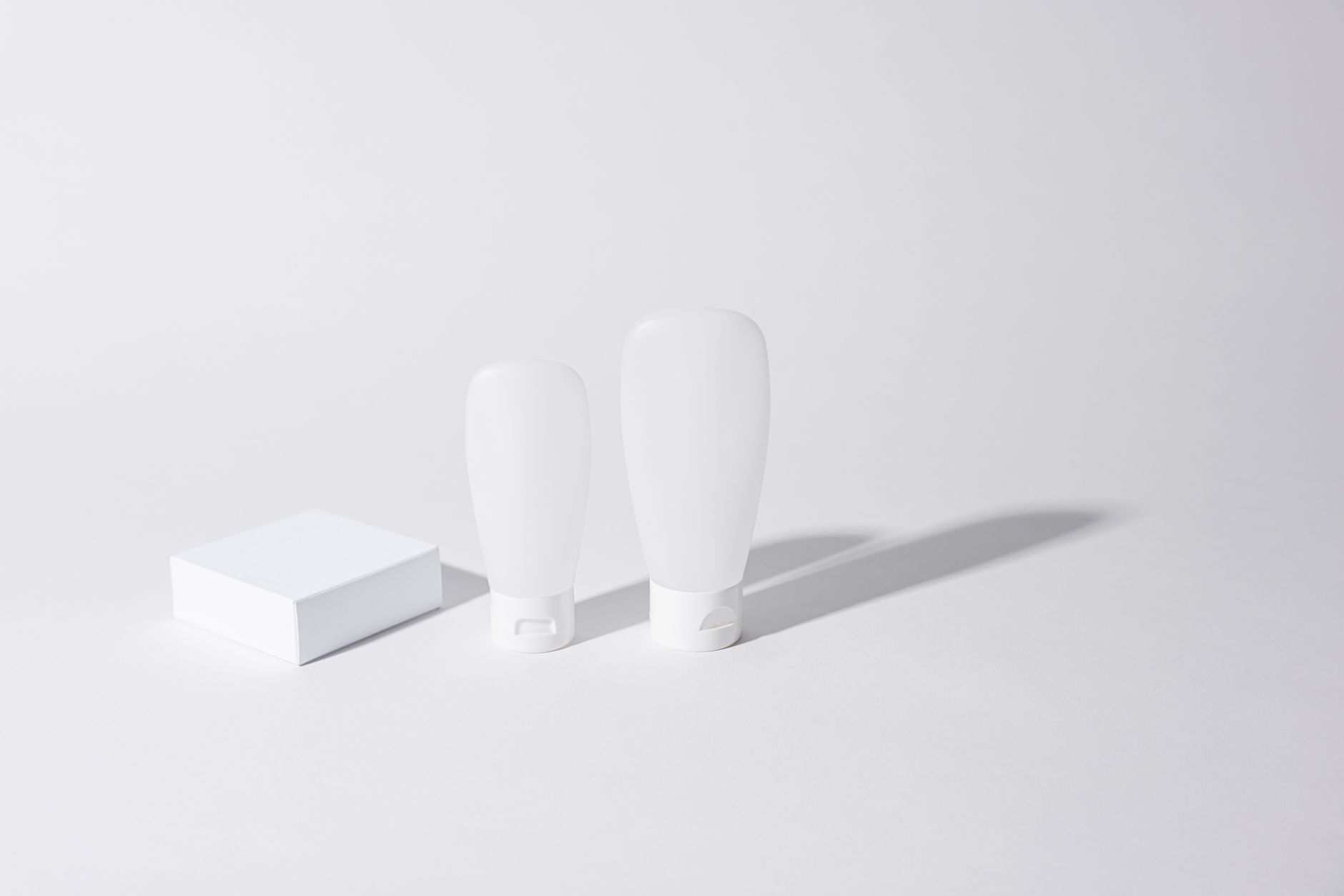
The three settings that matter most, in order:
Aperture: f/8–f/11. Product photography is not portrait photography. You want the entire product in focus, not just one surface plane with the rest falling off. The only time to open up wider is for a lifestyle shot where you intentionally want background separation. For a clean white-background ecommerce shot: f/8 minimum, f/11 for larger or deeper products.
ISO: 100. Always the base ISO when you’re on a tripod. There’s no reason to add noise to a product image. Noise is detectable in flat areas like packaging and fabric — the exact surfaces that matter most in product photography.
Shutter speed: whatever gets correct exposure. On a tripod, this can be 1/4 second or slower without problem. Nothing is moving. Use a 2-second self-timer or a remote shutter release to avoid camera shake from pressing the button.
White balance: set manually. Automatic white balance shifts between shots as the light in the scene changes — which it does, even slightly, between every frame in a long shoot. One shot with a warm cast followed by one shot that’s more neutral makes the same product look like two different colors in the same listing. Set it manually to match your light source: 5500K for daylight LED, 5200K for window light on a clear day, 6500K for overcast window light.
RAW format. Not optional if you’re doing any post-processing work. A JPEG baked in-camera has already made decisions about color rendering, tone curve, and sharpening that you can’t undo. A RAW file gives you a complete range of adjustments without quality loss. If your camera offers RAW + JPEG, shoot both and use the JPEG for quick reference during the shoot and the RAW for final editing.
Smartphone adjustments. Rear camera, ProMode or equivalent (manual exposure, manual white balance), grid overlay on. Clean the lens before shooting — phone lenses accumulate finger oil that drops contrast and adds haze, which is especially noticeable on white backgrounds. Turn off HDR mode, which merges multiple exposures and can create slight haloing around high-contrast product edges. iPhone users: the ProRes RAW setting in Camera app (iPhone 15 Pro and later) produces files that are legitimately useful for commercial product work. Samsung Expert RAW does the same on Galaxy S series.
White background is the main listing image on every major platform. It’s the image that communicates “here is the product, accurately, with nothing to hide.” No props, no context, no styling beyond clean presentation. Amazon policy explicitly prohibits props or text on the main image. This is your technical shot.
Lifestyle photography is for secondary listing images, social media, and brand content. The product in its use context — a skincare bottle on a marble shelf, a mug in someone’s hands by a window, a folded sweater on a neutral surface with a coffee next to it. These images answer “what does this look like in my life?” rather than “what exactly am I buying?” Both are necessary for complete product listings. Neither replaces the other.
Flat lay works for categories where the two-dimensional arrangement is the story: clothing, accessories, stationery sets, kitchen tool collections, anything you’d naturally “unbox and arrange.” The overhead angle at 90 degrees to the surface, foam board or seamless paper below, product arranged on it. The same composition thinking applies here — rule of thirds, negative space, a clear main subject — the only difference is that everything is viewed from directly above.
For clothing specifically: steam or iron first. Wrinkles in clothing product photos read as carelessness, and in online retail, carelessness costs sales. A $30 garment steamer pays for itself in the first product shoot. The ghost mannequin technique — photographing the garment on a form, removing the form in post — is the professional approach for showing a garment’s shape without model costs.
Background removal. The two practical tools at different price points:
After background removal, place the product on a true white layer (#FFFFFF) and check the edges: any grey fringing from the original background will be visible against the new white. The Decontaminate Colors option in Select and Mask removes most of this automatically.
Color accuracy. The most common complaint in ecommerce reviews is “looks different in person than in the photos.” This is almost always a white balance issue — a product that photographs with a warm or cool cast won’t match how it looks in daylight. For products where color accuracy is a selling point (clothing, paint, cosmetics), a ColorChecker Passport or similar calibration card in the first frame of the shoot gives you a reference to correct against in Lightroom or Capture One. It takes 30 seconds to use and eliminates the most common return reason.
Platform specs:
Export at 72–96 DPI for web (larger DPI doesn’t display differently on screen and creates unnecessary file sizes), maximum quality JPEG for most platforms, PNG if the background needs to be truly transparent.
One thing that gets missed: cast shadows. Completely removing a product’s shadow in post creates a floating, slightly unreal look that some buyers subconsciously register as off. A soft drop shadow — either preserved from the original shot by shooting on the sweep and keeping a gentle ground shadow, or added back in Photoshop — makes the product read as a real object sitting on a surface rather than a PNG cutout. Most Amazon top sellers use a slight drop shadow on their main image. Look for it next time you’re browsing.
Before you start:
FAQ
How do I photograph products at home without professional equipment?
One LED lamp with a daylight bulb, diffused through parchment paper. Two pieces of foam board as background sweep and fill reflector. A phone or any camera with manual controls on a small tripod. That’s the full kit. The setup matters more than the hardware — a well-configured DIY setup outperforms an expensive camera in a poorly thought-out arrangement every time.
What’s the best lighting for product photography?
For most products: diffuse, even light from one side with a reflector fill on the other. For glass and transparent items: backlight. For highly reflective surfaces: a light tent or large diffuser that wraps the light around the product. Flash is powerful but harder to learn — start with continuous LED and graduate to flash when you understand what you want the light to do.
Do you need a real camera for product photography?
For social media and Etsy: a current-generation smartphone rear camera is sufficient. For Amazon main images, marketplaces that require very large files, or anywhere you need pixel-level control in editing: a dedicated camera with RAW output and a 50mm or 100mm lens gives you significantly more editing latitude. The camera body matters less than the lens — a $100 used 50mm f/1.8 on a mid-range body will outperform a kit zoom on a flagship body at this type of work.
Why does my white background look grey?
The background isn’t getting enough light relative to the product. Solutions: add a second lamp aimed at the background, move the product closer to a window, or use a brighter ambient environment. Editing a near-white background to true white in post works up to a point — if the background starts at mid-grey, pushing it to white will also blow the lighter parts of the product.
How do I handle shiny or glossy products?
Large, diffuse light sources reduce visible specular highlights. A light tent (about $20) solves most glossy product problems. For glass: backlight and card flags. For extreme cases — lacquered boxes, chrome, polished metal — the on-set and post approaches in the glare removal guide are the practical walkthrough. Trying to fix severe glare in post without addressing the on-set cause wastes time and rarely produces clean results.
